Maybe is now on the Mac — a native app, not a website in a wrapper. Your In Progress list lives right in the menu bar, the global ⌃⌥Space hotkey captures a task from any app, and anything you check off on the Mac is checked off on your iPhone and Apple Watch a second later. Maybe Pro is a universal purchase: if you already own it, the Mac costs nothing extra.
TL;DR
- Menu bar — the In Progress list is always one click away, and tasks get checked off without opening the window.
- Global hotkey ⌃⌥Space (remappable) captures a thought from any app without losing your context.
- Full keyboard support: ⌘N for a new task, ⌘1/⌘2/⌘3 for sections, ⌘, for settings, Esc to dismiss.
- Mac, iPhone, Apple Watch and the web share one list — and it all works offline.
Why a task manager needs a real Mac app
At a computer, tasks aren't born inside a task manager. They're born in an email, a chat, a ticket, someone else's document — and writing one down means leaving the screen you're on. That leaving is the cost: by the time you've switched windows and found the right list, half the thought has fallen apart and the other half turns into "I'll write it down later."
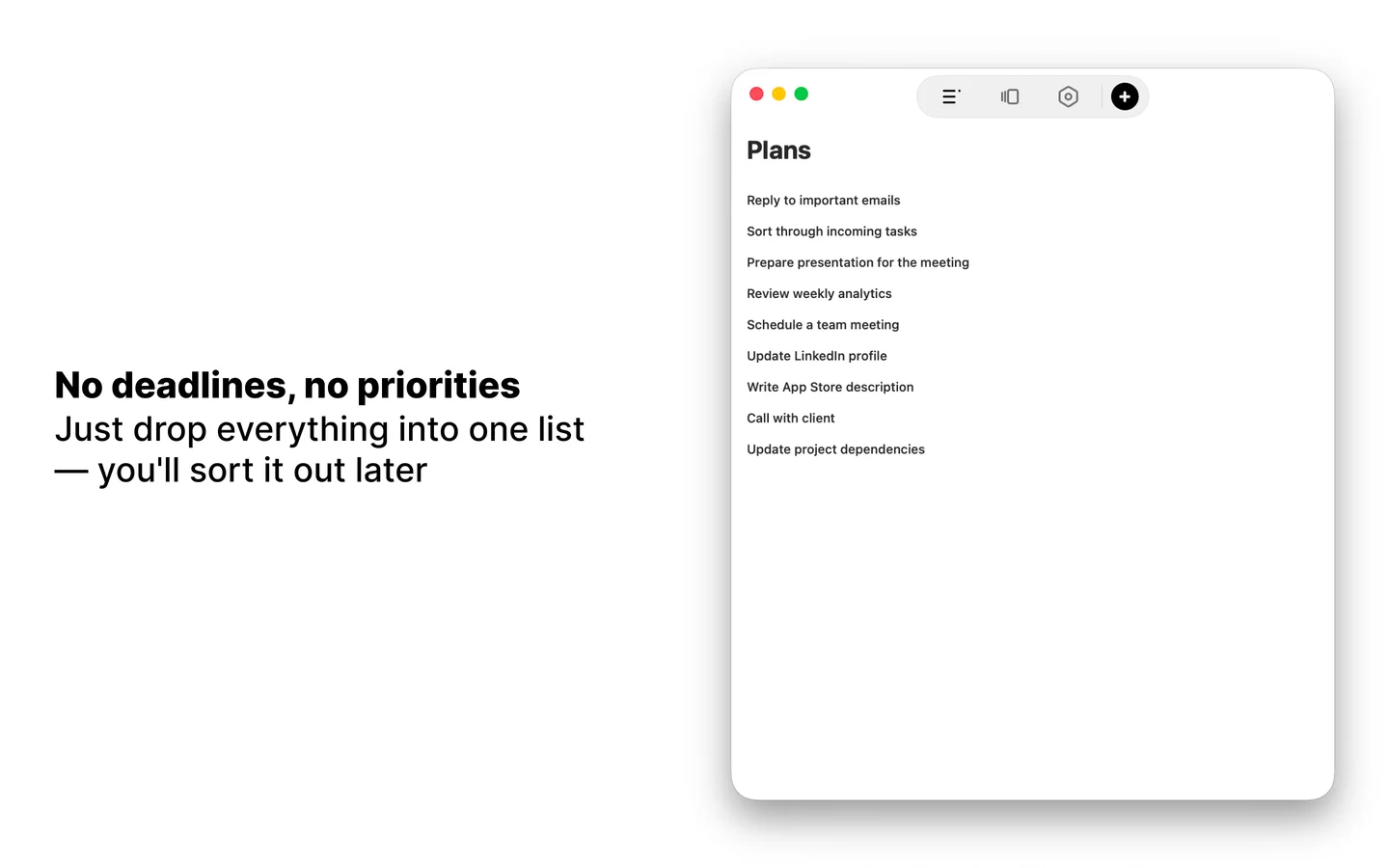
So the macOS version is built around two entry points that don't ask you to switch: the menu bar and a global hotkey. The window itself is the same app you know from iPhone, running the same FVP method: everything lands in Plan, and from there a short In Progress chain is built by comparing tasks two at a time.
The menu bar: In Progress without opening the window
The Maybe icon in the menu bar drops down your current In Progress chain. One click marks a task done — no app window, no context switch, you stay in whatever you were doing.
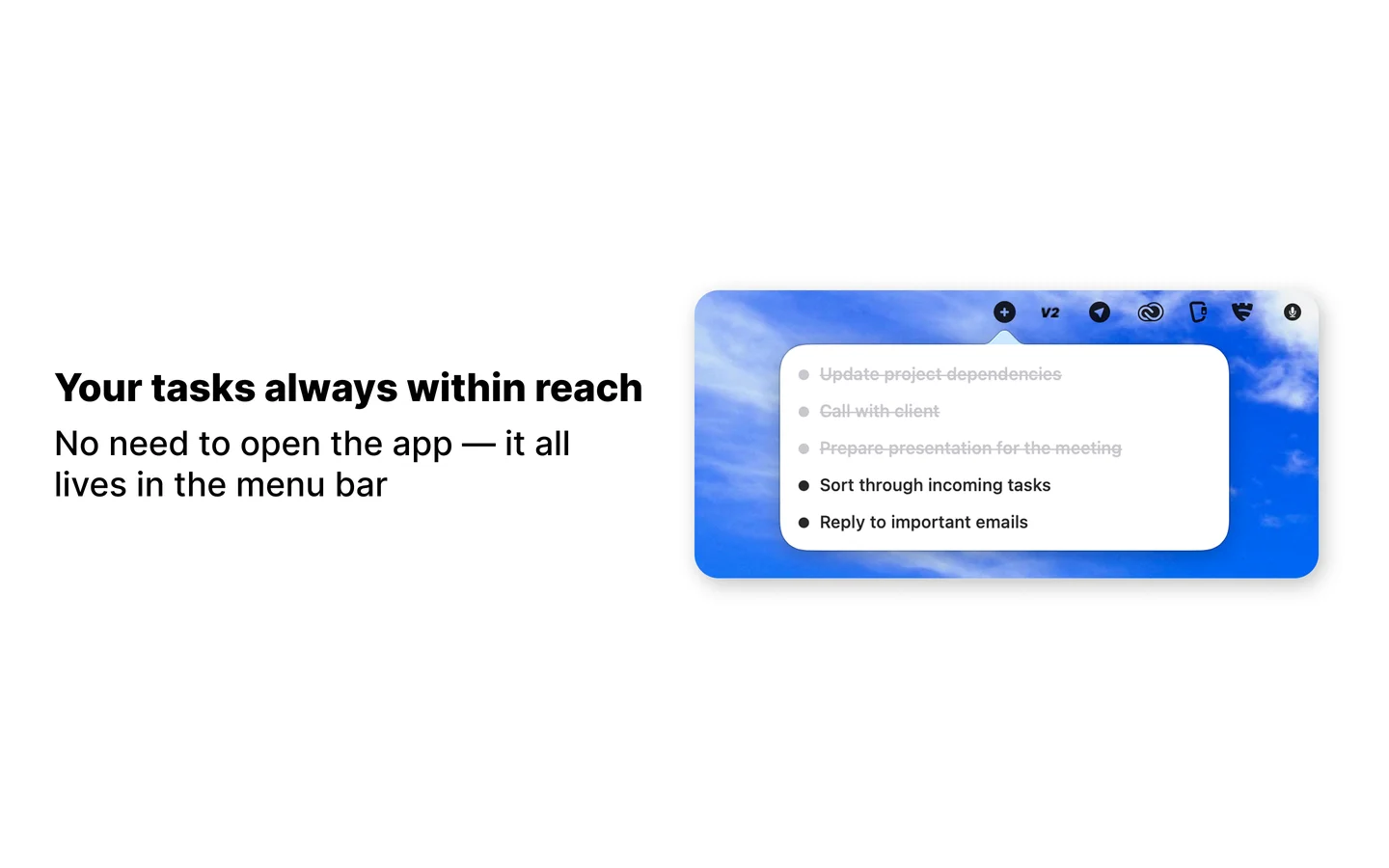
Closing the window doesn't quit the app: Maybe stays in the menu bar and keeps syncing. The window remembers its size, and both light and dark mode are supported.
The global hotkey: capture from any app
⌃⌥Space opens an input field on top of anything — Safari, Xcode, Figma, your mail client. Type the task, hit Enter, the field disappears and you're back exactly where you were. The shortcut can be remapped in settings.
This is the small thing that changes behaviour: when capture takes three seconds, tasks actually get captured instead of being parked in your head.
What else the Mac version does
- Keyboard. ⌘N for a new task, ⌘1/⌘2/⌘3 to switch sections, ⌘, for settings, Esc to close the window or the input field.
- Mouse and trackpad. Hover highlighting, right-click for task actions, haptic feedback on the trackpad.
- AI capture. Speak a stream of thoughts and it comes back as separate tasks. Or drop a photo of a handwritten list into the window — Maybe reads the text and splits it into tasks.
- Calendars. Apple Calendar and Google Calendar connect side by side, with today's events shown right above your tasks. Read-only.
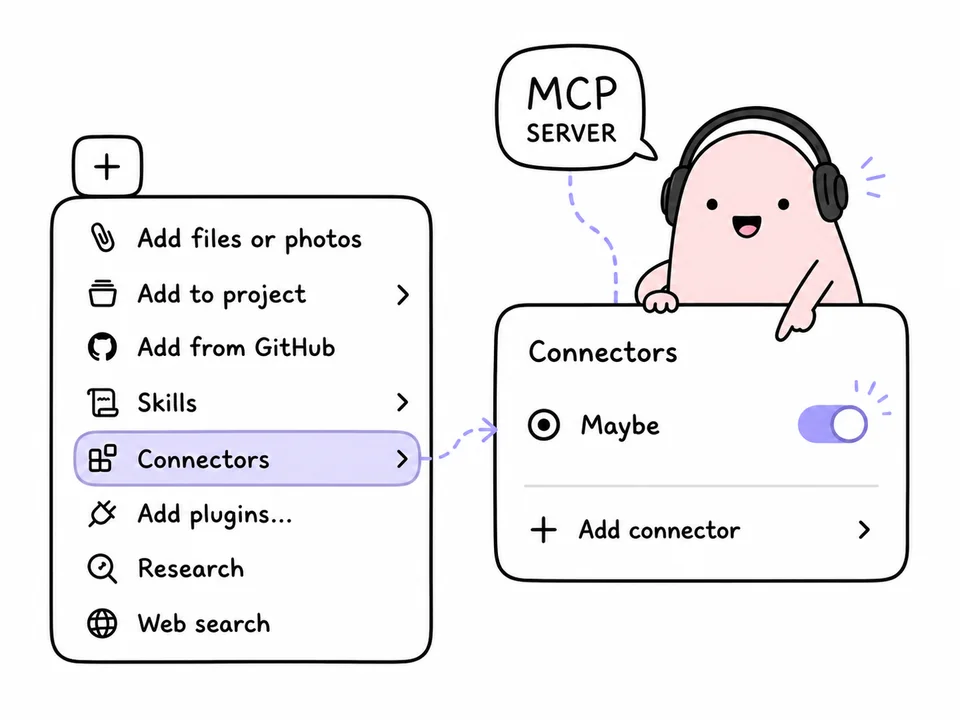
- MCP. Read your tasks from Claude, Cursor and other MCP clients — here's how to connect it.

Sync and pricing
Mac, iPhone, Apple Watch and the web app share the same list. Check something off on the Mac and it's already done on your phone. Data lives locally, so everything works offline and changes travel to the cloud once you're back online.
Maybe Pro is a universal purchase. A subscription or the one-time lifetime option covers every device at once — if you bought Pro on the iPhone, the Mac unlocks by itself. The free plan is the same as on iPhone: the full FVP method, up to 5 tasks In Progress at a time, 7 days of history.
How to install it
The app lives in the same App Store listing as the iOS version — there's no separate one to hunt for. macOS 15 Sequoia or later is required.
Frequently Asked Questions
Do I have to buy Maybe Pro separately for the Mac?
No. Maybe uses Universal Purchase: a subscription or the lifetime purchase covers Mac, iPhone and Apple Watch at the same time. If you already own Pro, just sign in with the same Apple ID on the Mac.
Can I use Maybe on the Mac without an iPhone?
Yes. The Mac version is standalone — it works on its own and syncs through the cloud. An iPhone is only needed for the Apple Watch app, which receives tasks from the phone.
How do I change the ⌃⌥Space global hotkey?
Open settings (⌘,) — there's a shortcuts section where you can remap it to any other combination. That's the place to go if ⌃⌥Space is already taken by another app.
Does Maybe keep running when I close the window?
Yes. Closing the window leaves the app in the menu bar: the In Progress list is one click away and sync keeps going. To quit completely, use ⌘Q or the menu.
If your tasks keep getting lost between tabs, put Maybe on your Mac and give ⌃⌥Space a try for capture. The In Progress list sits in the menu bar, and everything else is already in sync with your phone.