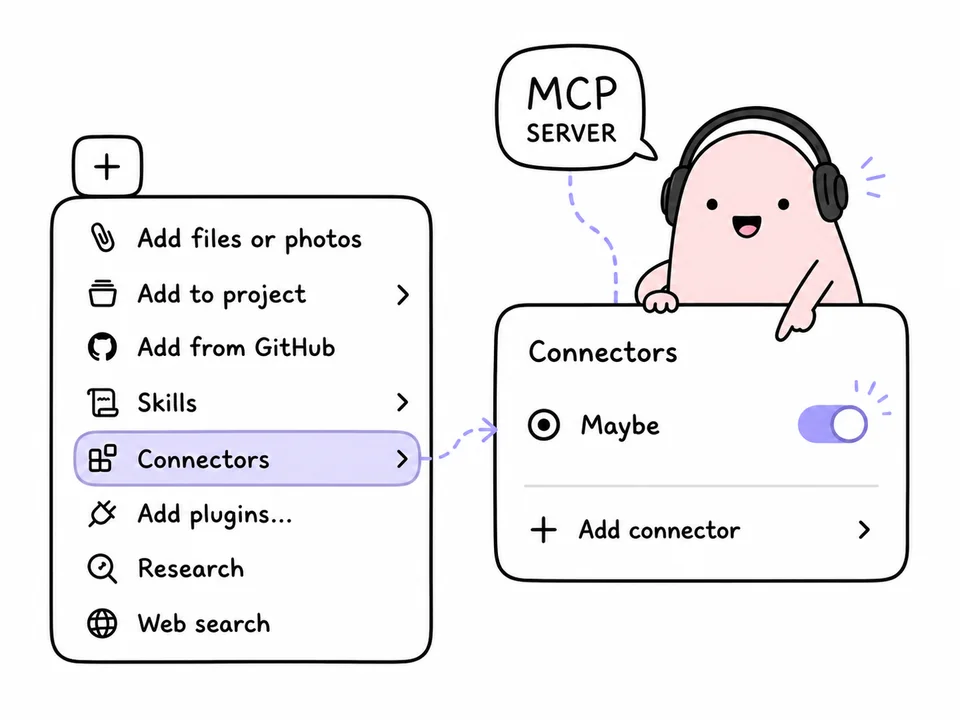
Modern browsers can "wrap" websites into full-fledged applications — complete with a desktop icon, a dedicated window, and behavior that is indistinguishable from native software. This technology is called PWA (Progressive Web App), and Maybe fully supports it.
This means you don't have to keep a browser tab open all the time. You can install Maybe as a standalone program in just a couple of minutes.
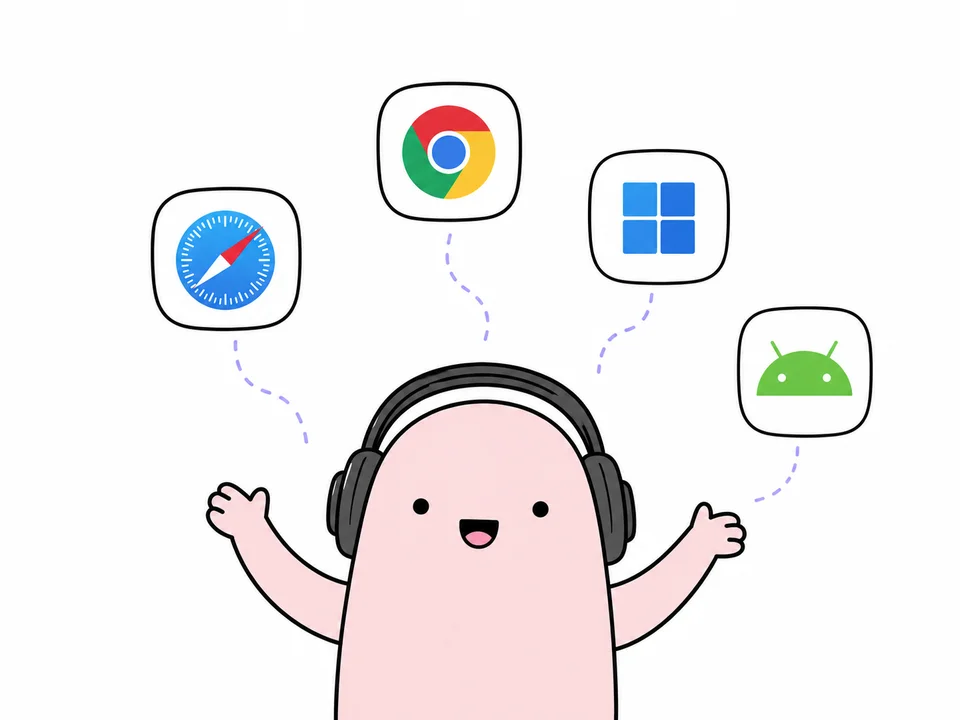
Windows and macOS — Chrome or Edge
This is the most universal method. Since Chrome and Edge run on the same engine, the steps are identical for both systems.
- Open Maybe in your browser.
- Look at the address bar — an icon of a monitor with an arrow or a "+" sign should appear on the right. Click it and select "Install".
- If you don't see the icon, click the three dots ⋮ in the upper right corner. In Chrome, look for "Save and Share", in Edge — "Apps". There will be an option to "Install this site as an app".
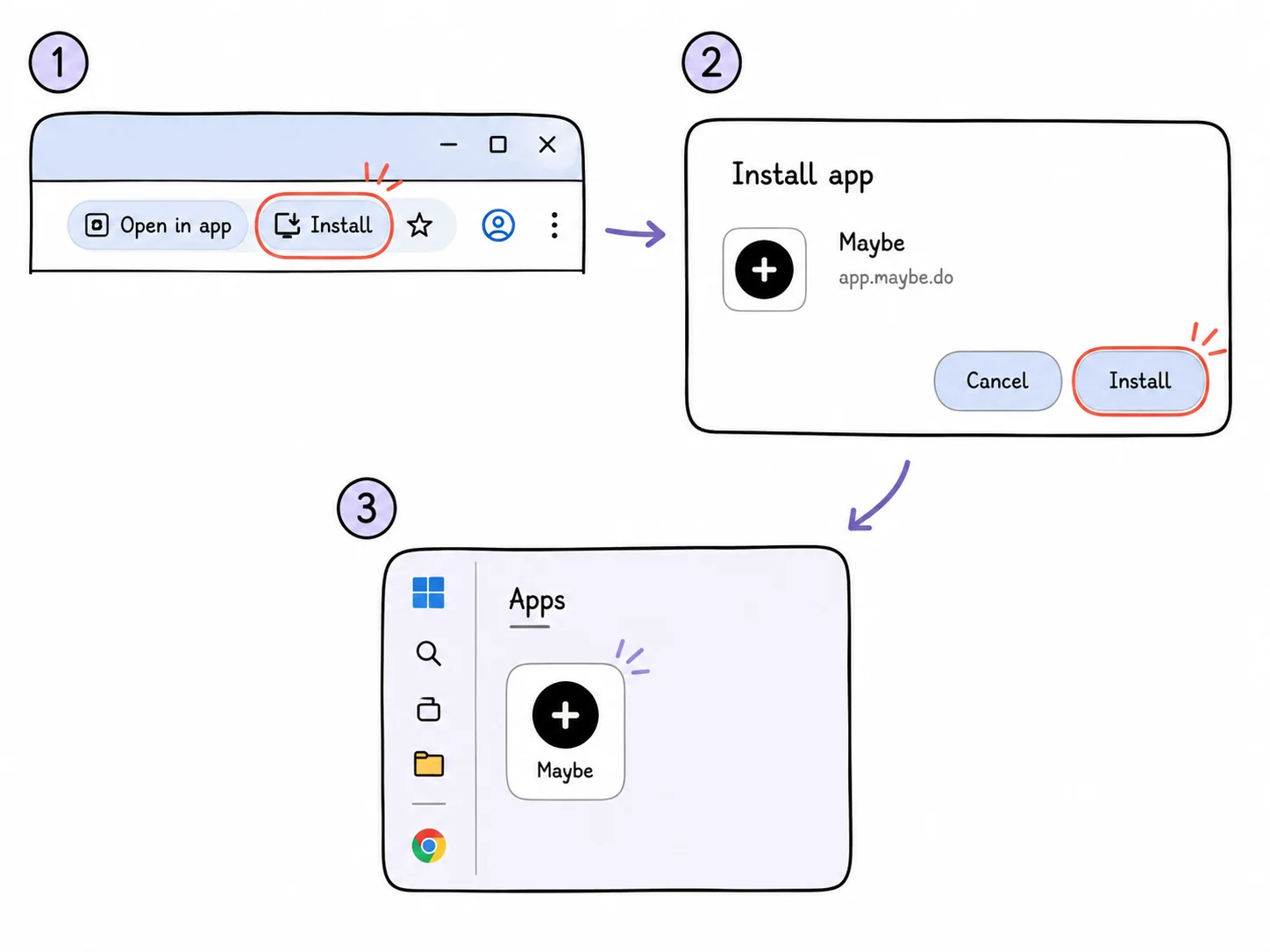
On Windows, the icon will appear on your desktop and in the Start menu. On macOS, it will be in the Applications folder, from where you can drag it to the Dock.
macOS — Safari
If you prefer Safari, the installation feature became available starting with macOS Sonoma.
- Open Maybe in Safari.
- In the top menu, click "File".
- Select "Add to Dock...".
- Confirm the name and icon.
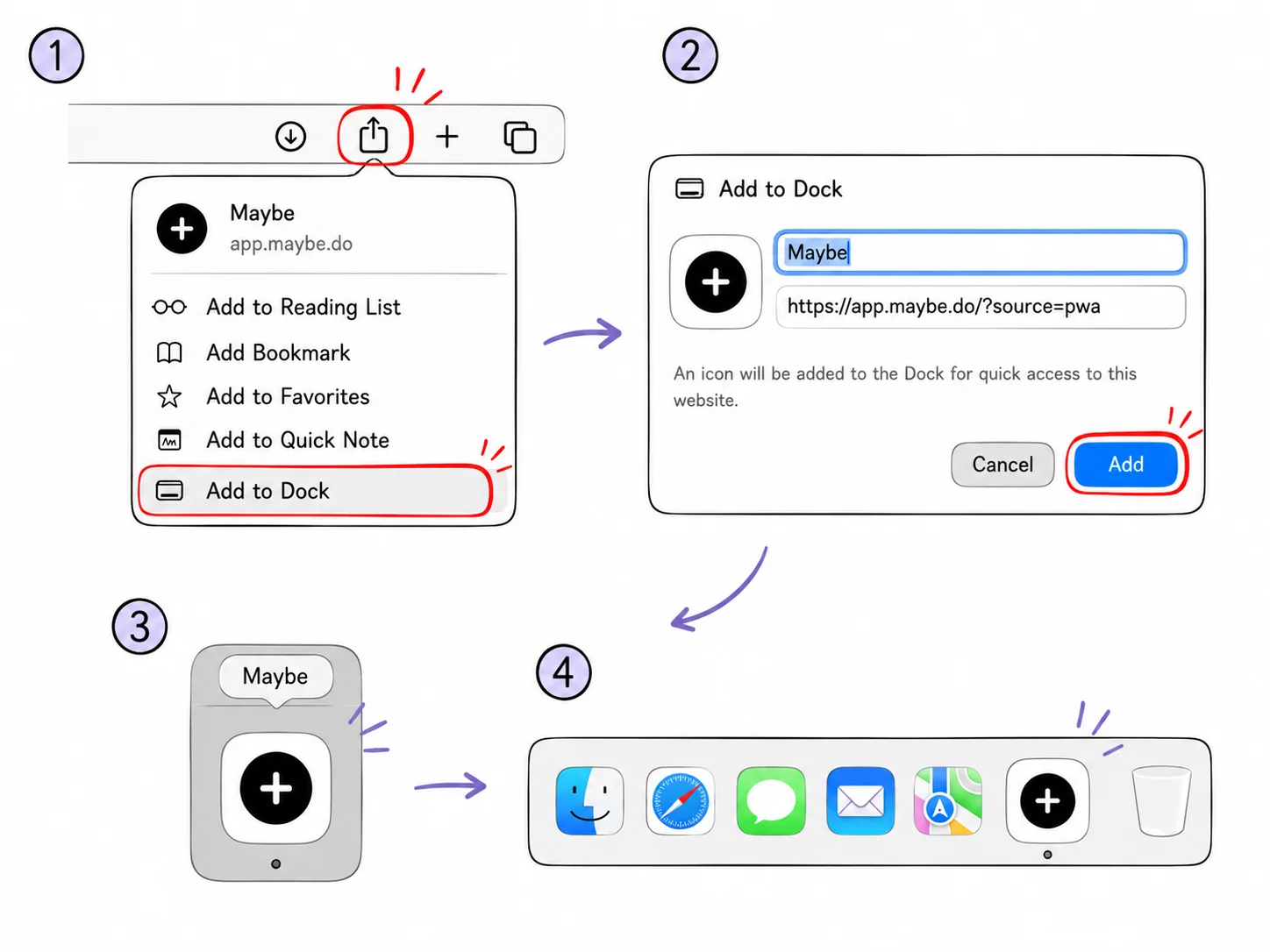
After this, Maybe will open in a separate window — without tabs or extra browser interface. The app will also appear in the task switcher (Cmd + Tab).
Android — Chrome
On Android, the result is practically indistinguishable from an app downloaded from the Google Play Store.
- Open Maybe in mobile Chrome.
- Tap the three dots ⋮ in the upper right corner.
- Find the "Install app" option and confirm the installation.
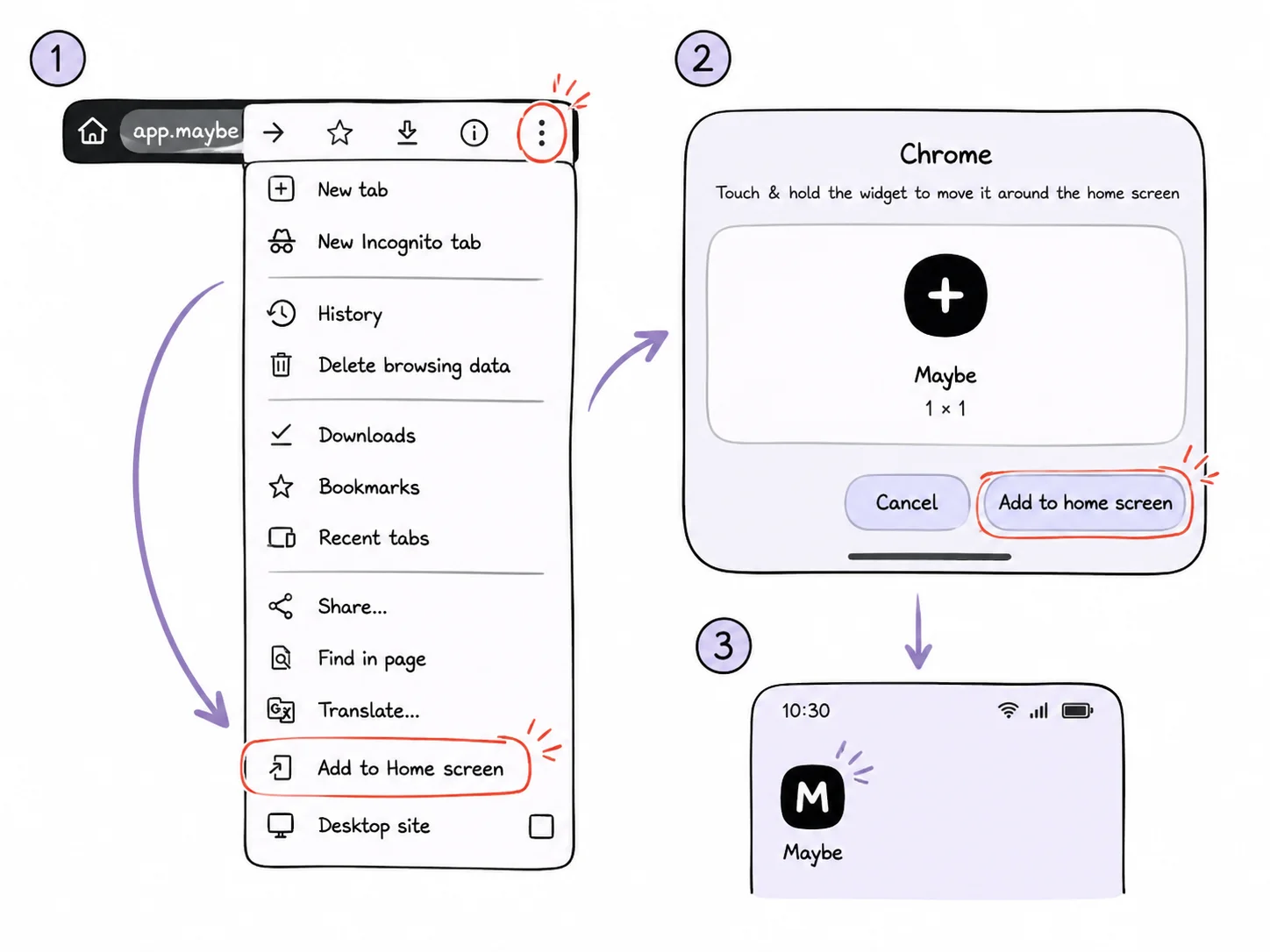
If you see "Add to Home Screen" instead of "Install app," it will create a regular shortcut. A full PWA offers more features, but a shortcut will still provide quick access.
Summary
Installing Maybe as a PWA eliminates the need to search for the site in your bookmarks every time. The app opens instantly, works stably, and synchronizes all your tasks in real-time across all your devices.
Frequently Asked Questions
What is a PWA?
PWA (Progressive Web App) is a technology that allows you to turn a website into a full-fledged application with a desktop icon that runs in its own window.
Do I need to download Maybe from the App Store or Google Play?
For iPhone, we recommend the native app from the App Store. For computers and Android, the PWA version is often more convenient as it is always up-to-date and doesn't take up much space.
Will Maybe work without an internet connection?
Yes, Maybe saves your tasks locally. You can make changes offline, and they will sync with the cloud as soon as you are back online.
I designed Maybe to make working with tasks as seamless as possible. Try it right in the browser — or install it on your iPhone if you prefer working from your phone.