We continue to develop the idea of mindful productivity. In this update, the focus is on helping you better see the results of your work and getting less distracted by settings.
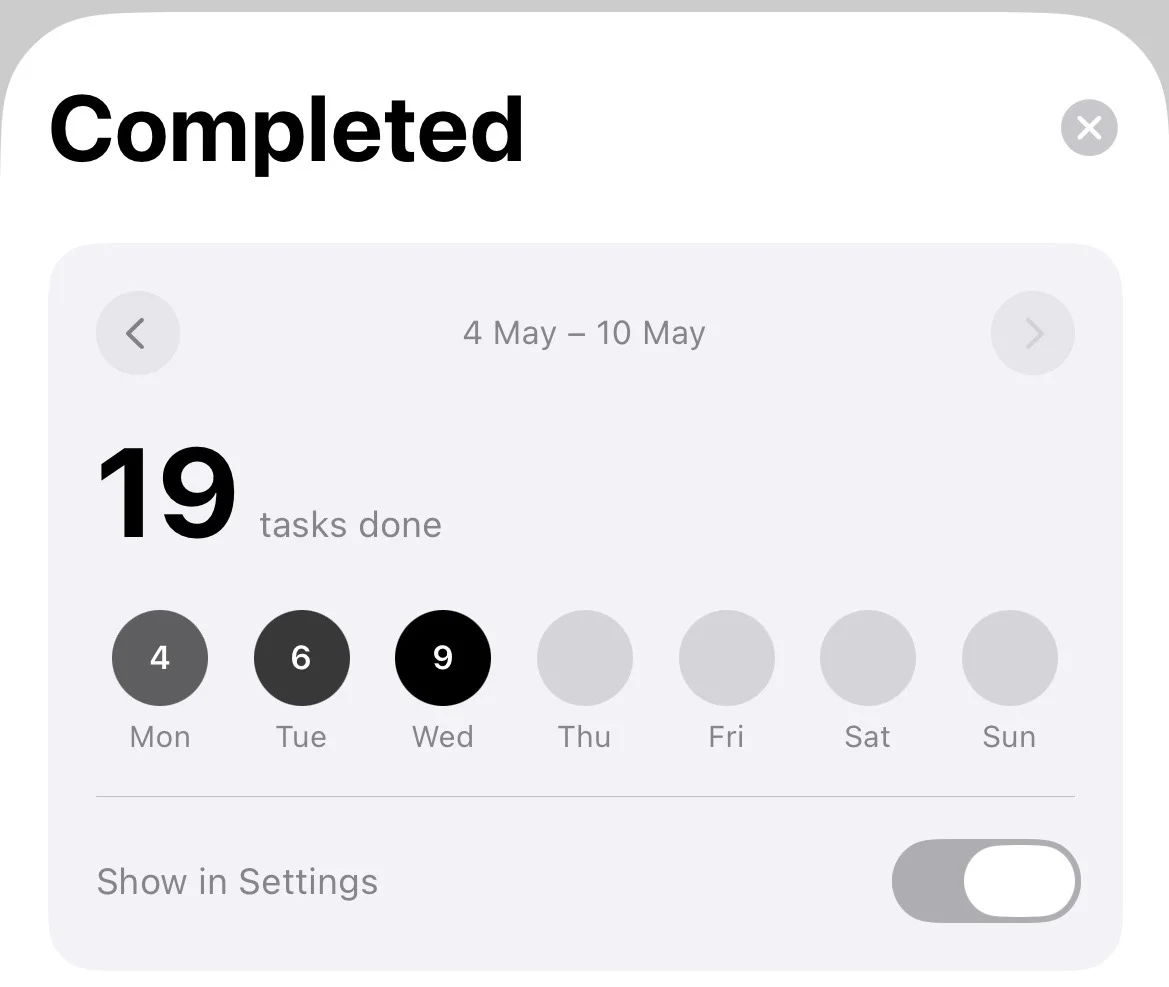
Analytics: How was your week?
The app now features an analysis section. These aren't just dry numbers for the sake of numbers, but an opportunity to look back. You can compare the current week with the previous one, view daily statistics, and understand when you were most focused and when you should have rested more.
Calendar and Tasks in One View
We've added new widgets that many have been asking for:
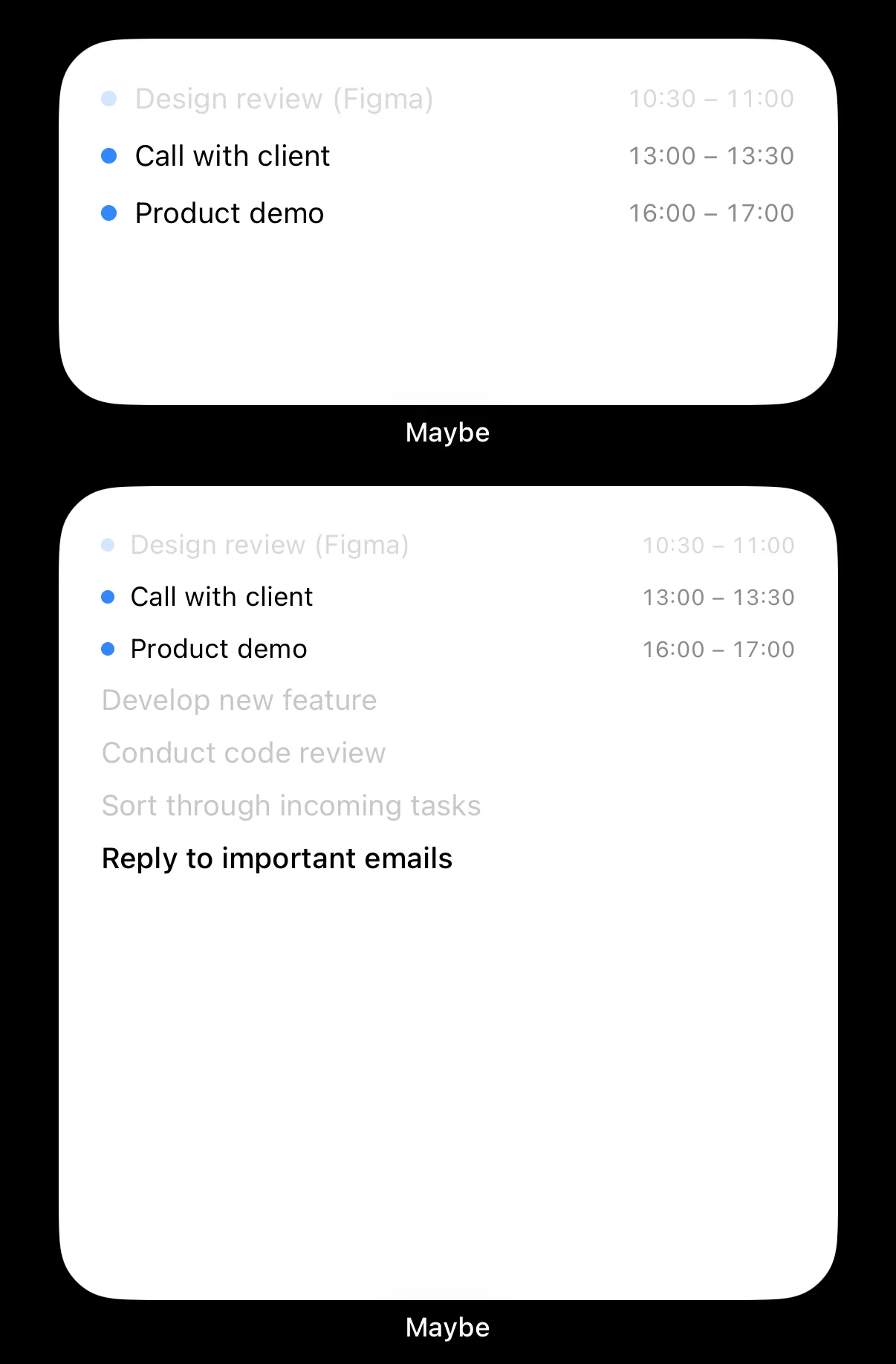
- Combo widgets (medium and large): Apple Calendar events and your Maybe tasks now live in one space on your home screen.
- Calendar events: A separate medium widget for those who only care about the schedule.
Tip: If you long-press an already added widget, you can quickly customize the event display.
You Decide When It's Time to Rest
The session mode has become more flexible. Now in the settings, you can specify the time you plan to finish your workday. The "End Session" button will appear exactly at that moment. We also fixed a bug that could cause it to disappear if your work dragged on past midnight.
Fewer Unnecessary Movements
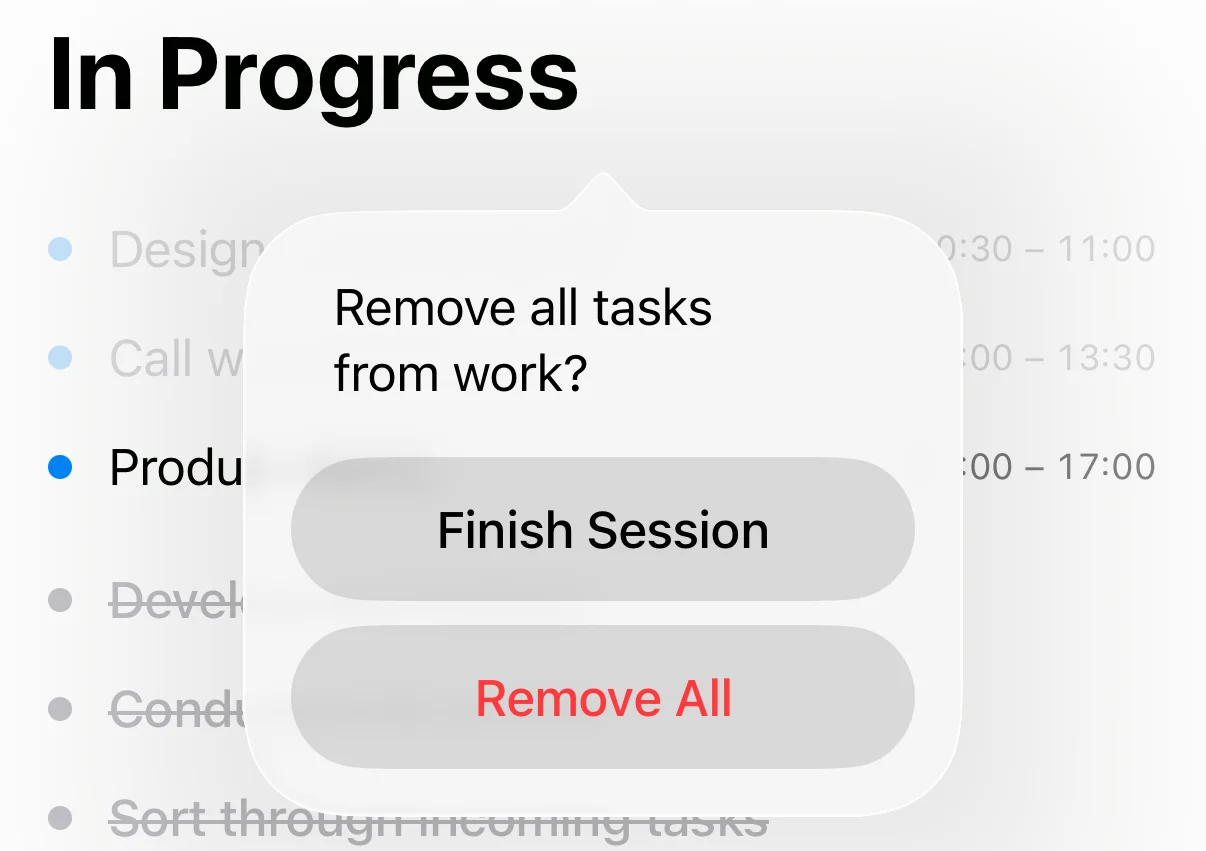
- Quick Menu: Try long-pressing the "In Progress" header — a menu will appear where you can instantly close the session or drop all tasks back into "Plans".
- Focus on the Future: Past events in the calendar now automatically turn gray. This helps not to clutter the visual space. You can also "gray out" any event manually with a simple tap.
Under the Hood Improvements
We worked on the stability of synchronization with the web version and fixed minor interface bugs (for example, the background dimming in the task menu). For new users, we added a short tutorial to make adopting the method as simple as possible.
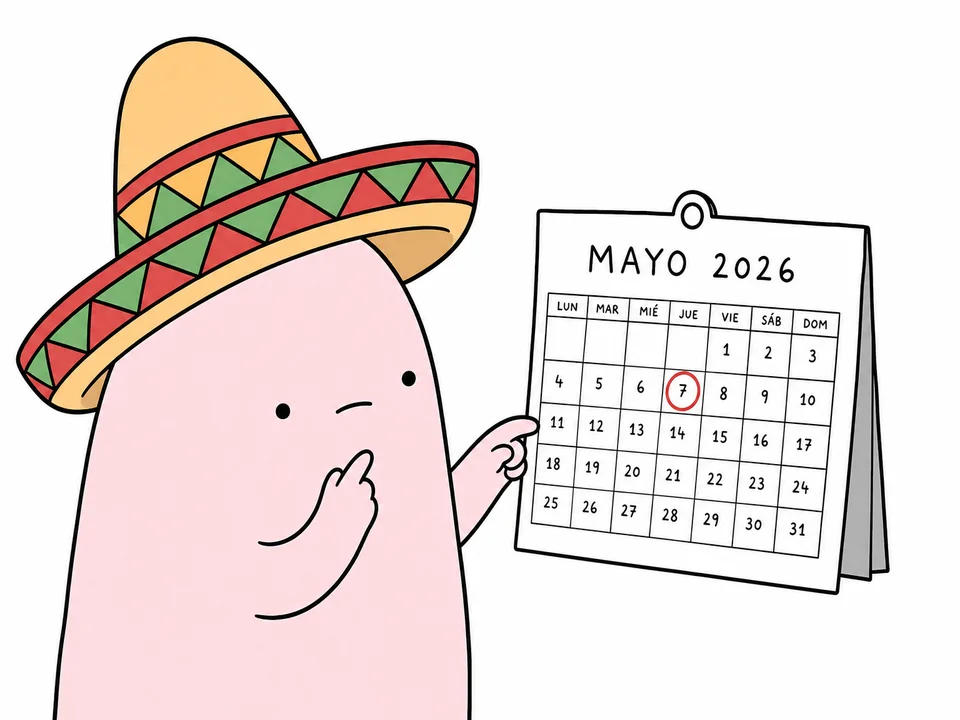
Oh, and we now speak Spanish! Maybe is slowly taking over the world — we've added full Spanish language support. If you have friends in Spain or Latin America, they will now find it much more natural to use the app.
Summary
We added analytics to evaluate productivity, new combo widgets for the home screen, and flexible end-of-day settings. The app now also supports Spanish and runs more stably thanks to under-the-hood fixes.
Frequently Asked Questions
How do I enable the new widgets?
You can add them the standard way: long-press an empty space on your home screen, tap the plus icon in the top left corner, find Maybe, and select the desired widget format.
How do I set the end-of-day time?
Go to the app settings, into the sessions section, and set your desired workday completion time. The "End Session" button will appear at the specified time.
Will analytics be available in the web version?
Currently, analytics is only available in the mobile app, but we are working on syncing this section with the web version in future updates.
We would love to hear your feedback! If what we do resonates with you, please leave a review on the App Store. It's the best way to support independent development and help us make Maybe even better.