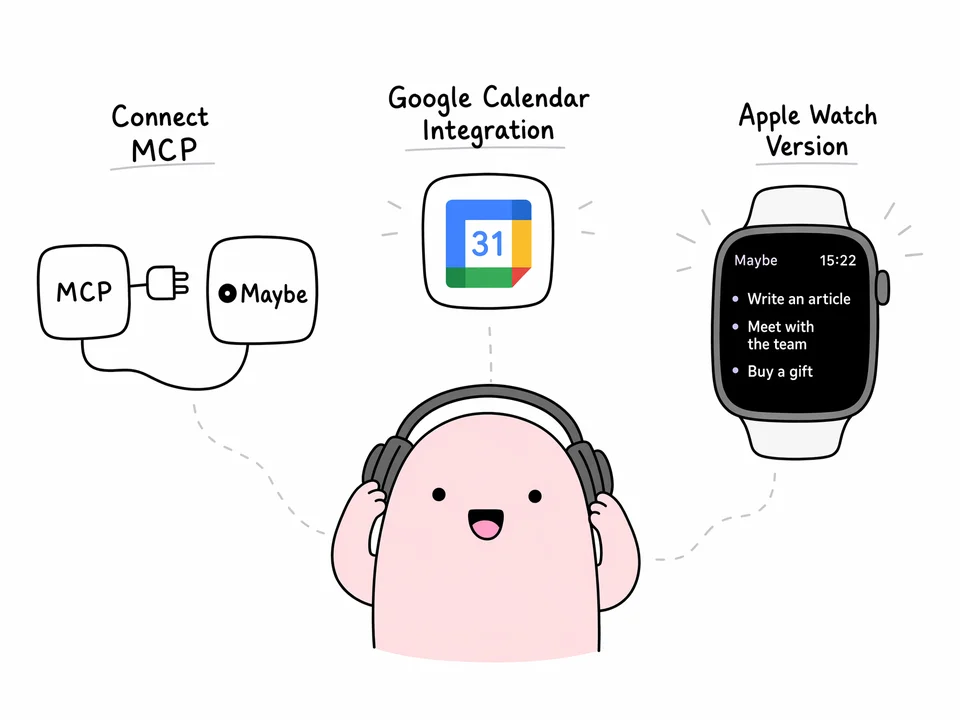
Maybe 1.4.0 is the biggest update since launch. The app now has its own MCP server: connect your tasks to Claude, ChatGPT, or Gemini and talk to an AI about your actual work. There's an Apple Watch version with a watch face widget. And Google Calendar connection is live.
Updated October 19, 2026: MCP can also add tasks to Plans and move tasks to Later. Deleting tasks remains deliberately unavailable. See the current guide.
TL;DR
- MCP server — connect Maybe to Claude, ChatGPT, or Gemini and analyze your tasks right in the chat. Read-only for now.
- Apple Watch — a watch face widget with the current task from "In progress", tap through for everything planned today.
- Google Calendar — the connection works in test mode while Google verification is in progress.
- Sync is faster and more stable, and voice input now works like a regular voice message: hold and speak.
MCP server: your tasks inside Claude, ChatGPT, and Gemini
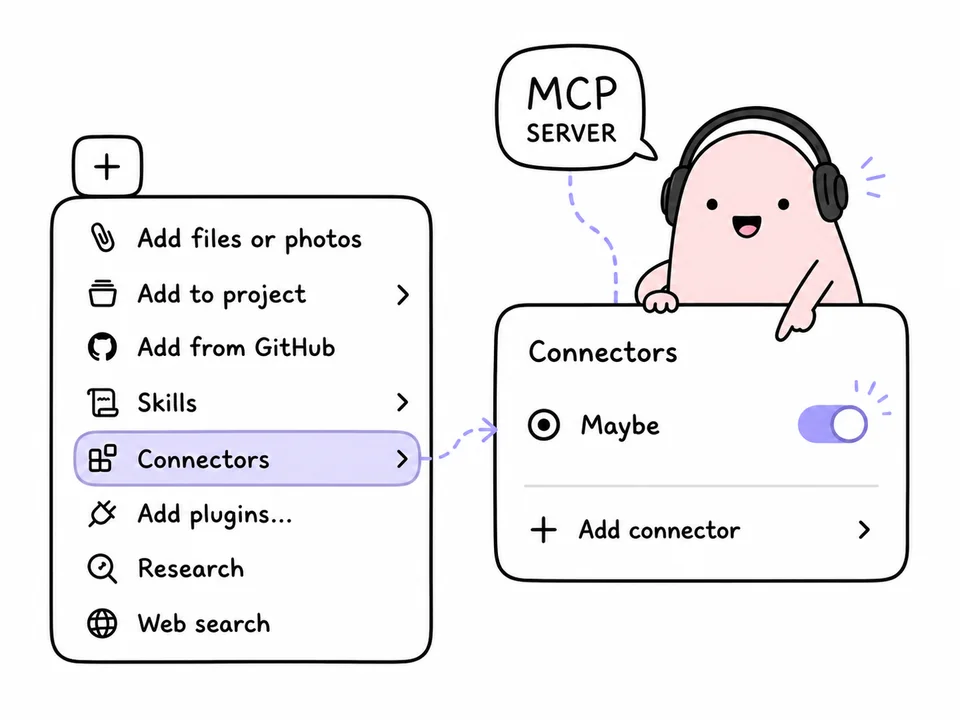
Maybe now has its own MCP server. MCP (Model Context Protocol) is an open standard that gives AI assistants access to external data. Connect Maybe once, and your assistant can see your task list.
What people actually do with it:
- review completed tasks over a week or a month and look for patterns;
- see what's on the list and decide what to pick up next;
- ask questions about their workload in plain language, no exports or spreadsheets.
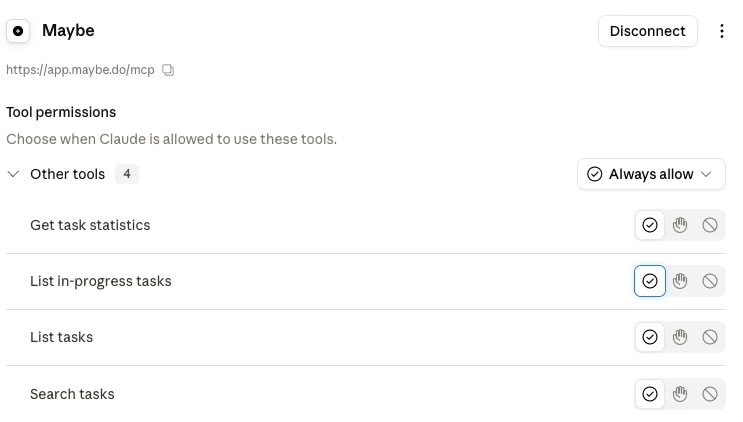
Access is read-only. The AI doesn't create, edit, or delete tasks — deciding what to work on stays with you. I wrote a full setup walkthrough separately: how to connect Maybe tasks to Claude via MCP.
Apple Watch version
Maybe is on the watch now. The core of it is the watch face widget: it shows the latest task from the "In progress" tab, so what you're working on is always in view and you don't have to pull out your phone.
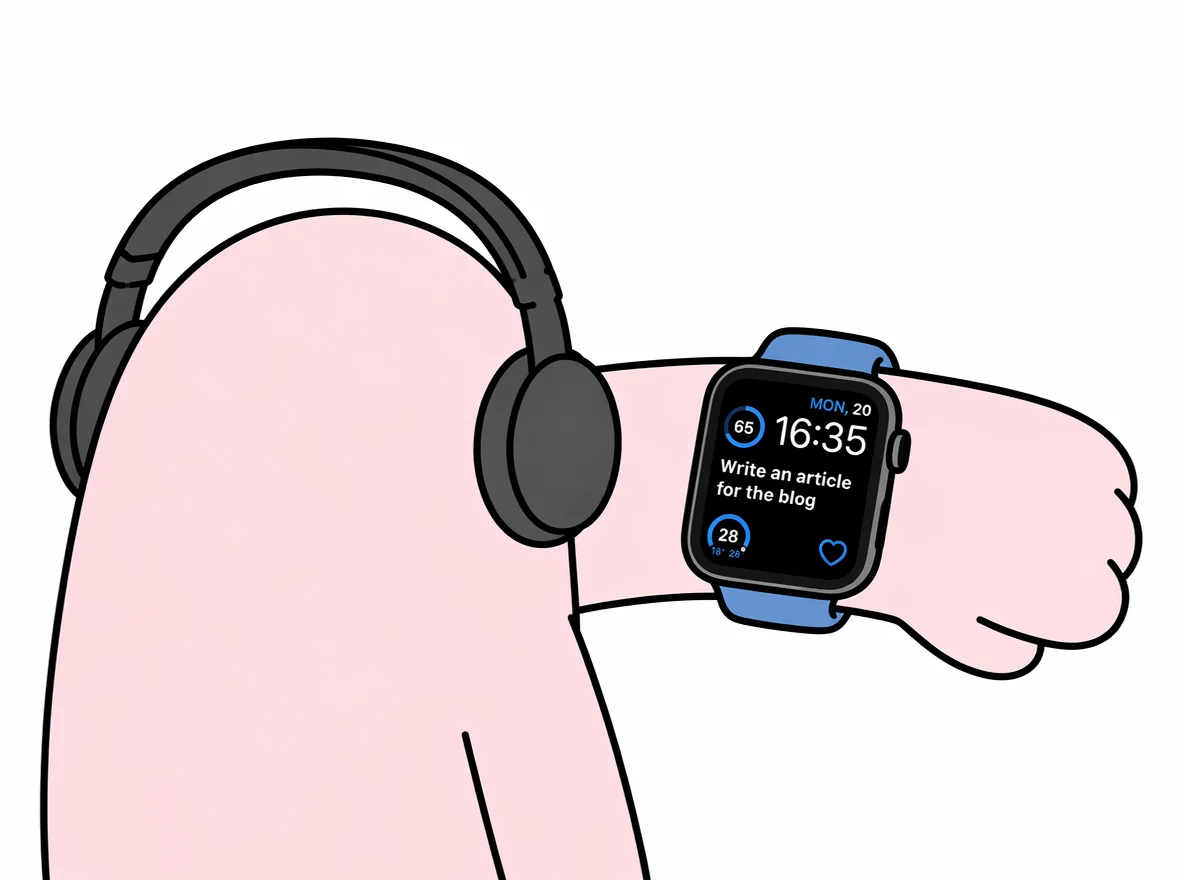
Tap it and the watch app opens with everything scheduled for today. A quick check on what's left — then back to work.
Google Calendar
Google Calendar connection is live: calendar events show up alongside your tasks.
The integration is still in test mode — when you connect, Google will warn you that the app hasn't been verified. That's a normal part of the verification process, which we're going through right now. You can use it today.
Also in this update
- Sync. We keep working on data exchange between devices — it's faster and more stable now.
- Voice input. It now works the way voice messages do: hold the mic button, dictate the task, release.
What's next
Google verification, more work on the MCP server, and continued sync improvements. If something behaves oddly, write to support on Telegram.
Frequently Asked Questions
What is the Maybe MCP server and why would I use it?
MCP (Model Context Protocol) is a standard that connects AI assistants to external data. The Maybe MCP server gives Claude, ChatGPT, or Gemini access to your task list, so you can discuss your real work with an assistant instead of getting generic advice.
Can an AI change or delete my tasks through MCP?
No. Access is read-only: the assistant can see your tasks and stats, but it can't create, edit, or delete anything.
Do I need an iPhone to use the Apple Watch version?
Yes, the watch app is an iPhone companion: it receives tasks from the phone and shows the current task on the watch face plus everything planned for today.
Why does Google warn me that the app isn't verified?
The Google Calendar integration is still going through Google's verification. Until it's finished, the system shows a standard unverified-app warning — the connection itself works normally.
Maybe 1.4.0 is on the App Store. Update, put the widget on your watch face, and connect your tasks to your AI assistant.